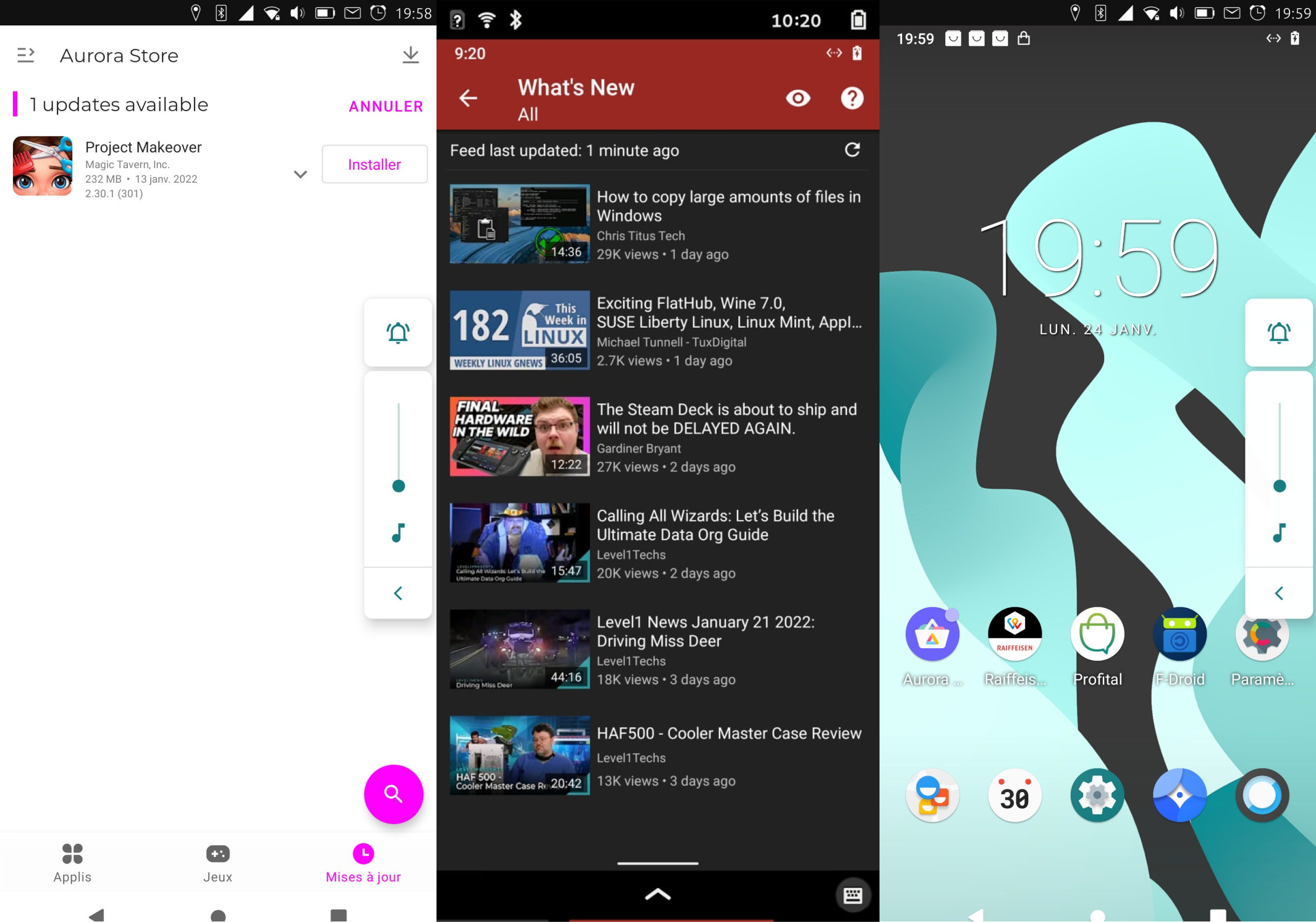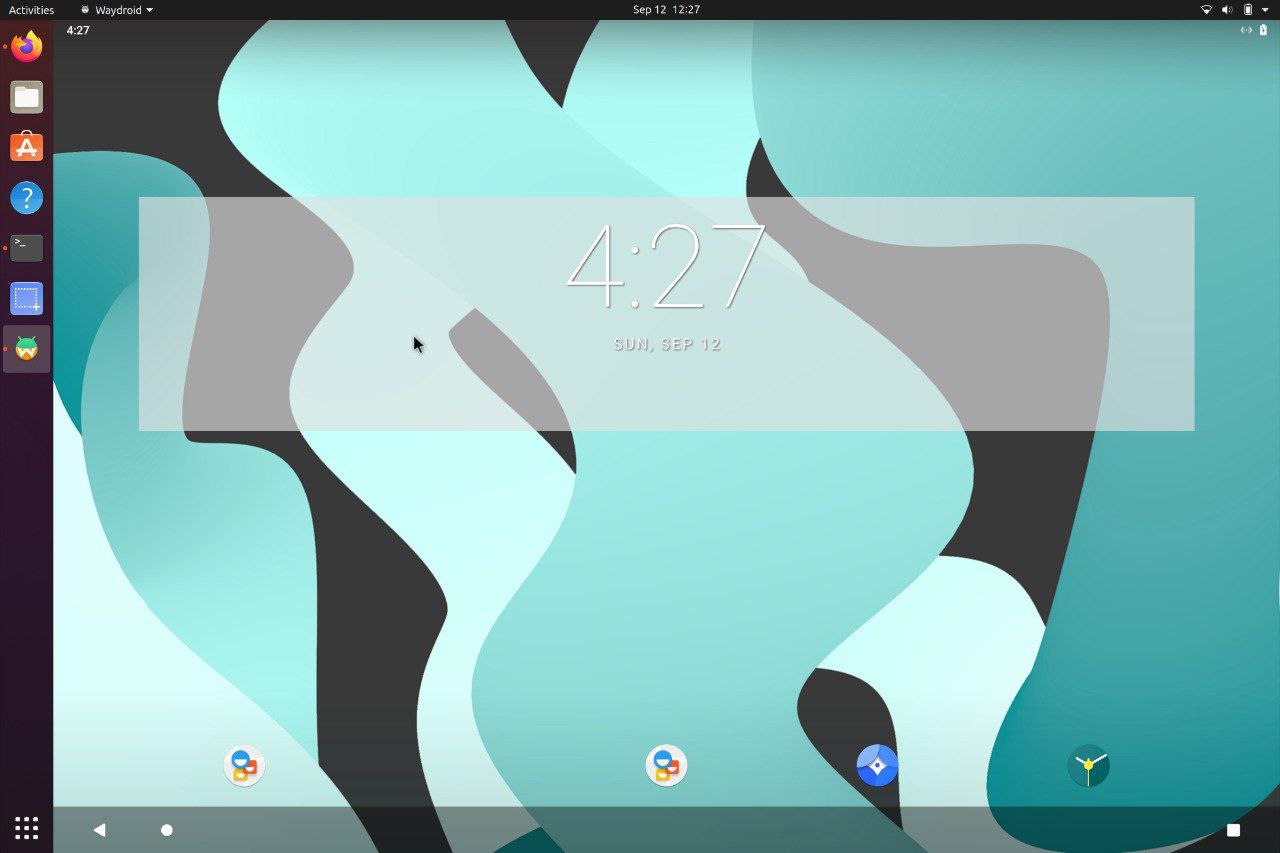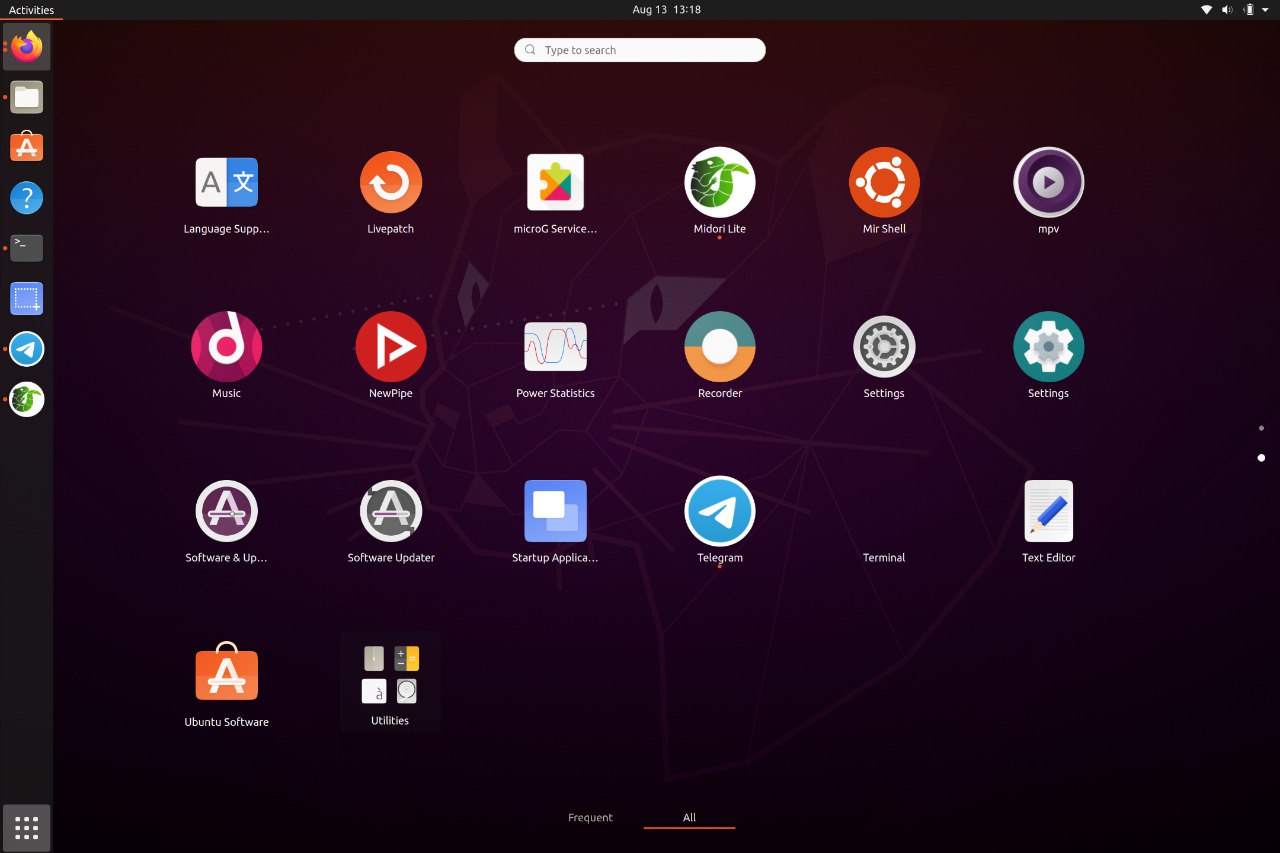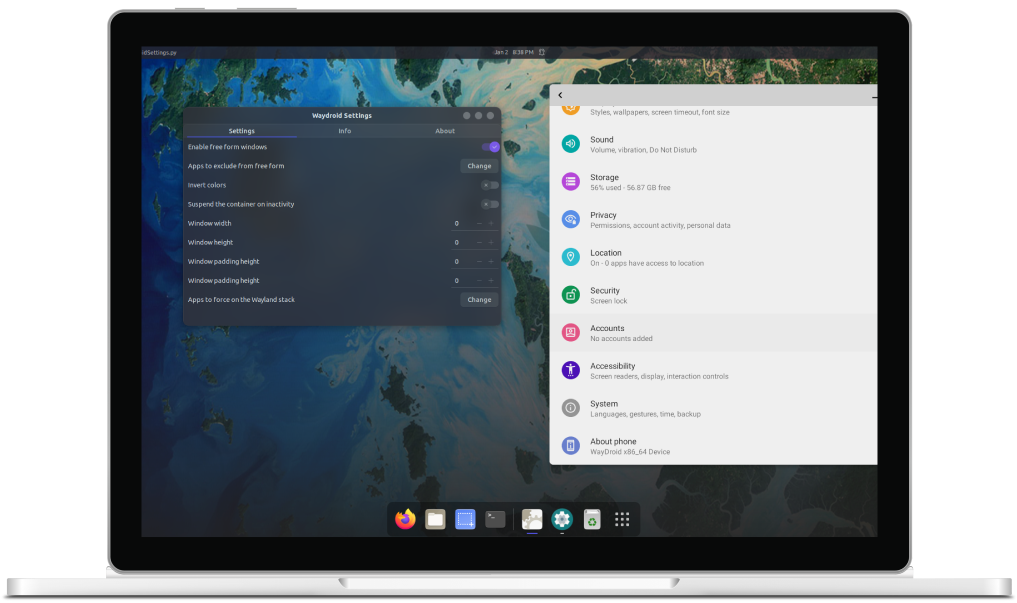
A container-based approach to boot a full Android system on regular GNU/Linux systems running Wayland based desktop environments.

Waydroid uses Linux namespaces (user, pid, uts, net, mount, ipc) to run a full Android system in a container and provide Android applications on any GNU/Linux-based platform (arm, arm64, x86, x86_64). The Android system inside the container has direct access to needed hardware through LXC and the binder interface.
The Project is completely free and open-source, currently our repo is hosted on Github.
Waydroid integrated with Linux adding the Android apps to your linux applications folder.
Waydroid expands on Android freeform window definition, adding a number of features.
For gaming and full screen entertainment, Waydroid can also be run to show the full Android UI.
Get the best performance possible using wayland and AOSP mesa, taking things to the next level
Find out what all the buzz is about and explore all the possibilities Waydroid could bring
Waydroid brings all the apps you love, right to your desktop, working side by side your Linux applications.
The Android inside the container has direct access to needed hardwares.
The Android runtime environment ships with a minimal customized Android system image based on LineageOS. The used image is currently based on Android 13
Companies that need a supported client can look at Waydroid_NT, a commercial Waydroid client from Navotpala Tech (Bliss Co-Labs Inc.), rewritten in C++ for speed and stability.
Install Instructions
Our documentation site can be found at docs.waydro.id
Bug Reports can be filed on our repo Github Repo
Our development repositories are hosted on Github
Please refer to our installation docs for complete installation guide.
You can also manually download our images from
SourceForge
For systemd distributions
Follow the install instructions for your linux distribution. You can find a list in our docs.
After installing you should start the waydroid-container service, if it was not started automatically:
sudo systemctl enable --now waydroid-container
Then launch Waydroid from the applications menu and follow the first-launch wizard.
If prompted, use the following links for System OTA and Vendor OTA:
https://ota.waydro.id/system
https://ota.waydro.id/vendor
For further instructions, please visit the docs site here
This effort is no longer maintained. The builds and notes below are kept for archival purposes.
These fully-integrated distros were built to demonstrate some of the possibilities that Waydroid can help achieve.
Each release also showcased work from the community of contributors.
The series started with Ubuntu 20.04 (focal) and later included Ubuntu 22.04 (jammy) and Debian 12 (bookworm), along with tools and scripts from that period.
Here are the members of our team